The seismic shift in our work culture post-2020 has turned long-held assumptions about the workplace upside down. Organizations are now more open to a spectrum of work models, from fully remote to the traditional office, and everything in between. With these changes, it’s imperative to examine how each model caters to the needs of the entire workforce, including individuals with disabilities. In this comprehensive exploration, we’ll probe into the core concepts of accessibility and its implications for remote, in-person, and hybrid work models.
The Workplace Accessibility Vision
The term “accessibility” goes far beyond the physical space. An accessible work environment is one that allows all employees, regardless of ability, to fully participate in all aspects of the job. This vision translates into practices such as providing reasonable accommodations, fostering a culture of inclusion, and ensuring that all technology and tools used in the workplace are designed for universal access.
Why an Accessible Work Model Matters
An accessible work model is a strategic imperative for organizations. Not only does it express commitment to diversity and inclusion, but it also brings tangible benefits such as attracting a wider range of talent, improving employee satisfaction, and boosting innovation.
Remote Work and the Pursuit of Inclusivity
For many with disabilities, remote work has been a game-changer, offering flexibility and the ability to work in a personalized, comfortable environment. However, it’s vital to recognize that remote work isn’t a one-size-fits-all solution.
Remote Work’s Pivotal Advantages for Accessibility
Flexibility Over Location
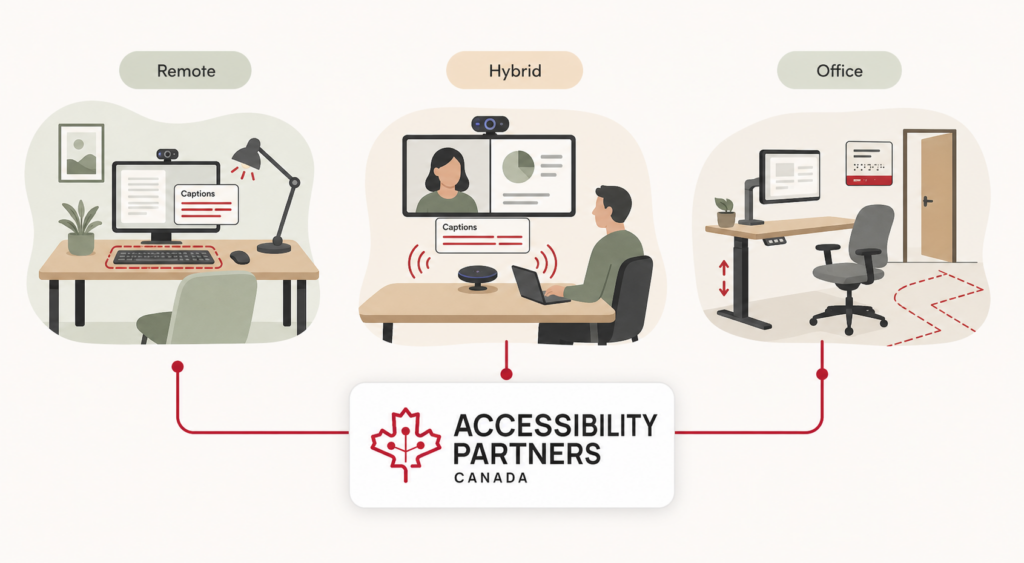
Remote work can eliminate or reduce the difficulties associated with commuting, inaccessible office layouts, and lack of assistive technology.
Customizable Environments
Individuals can tailor their workspace to accommodate specific needs, whether that be the lighting, the seating, or the use of assistive technologies.
Remote Work’s Challenges and Solutions
Isolation and Communication
Remote environments can create isolation, and new communication strategies are needed to maintain a sense of community and transparency.
Cost and Technology Hurdles
Budget constraints and the need for high-speed internet and specialized technology can create barriers for some remote workers.
Navigating the Accessibility Terrain within Physical Workspaces
In contrast to remote work, physical office spaces have long presented significant obstacles to individuals with disabilities. Despite this, innovative solutions are emerging to dismantle these barriers.
Barriers to Accessibility
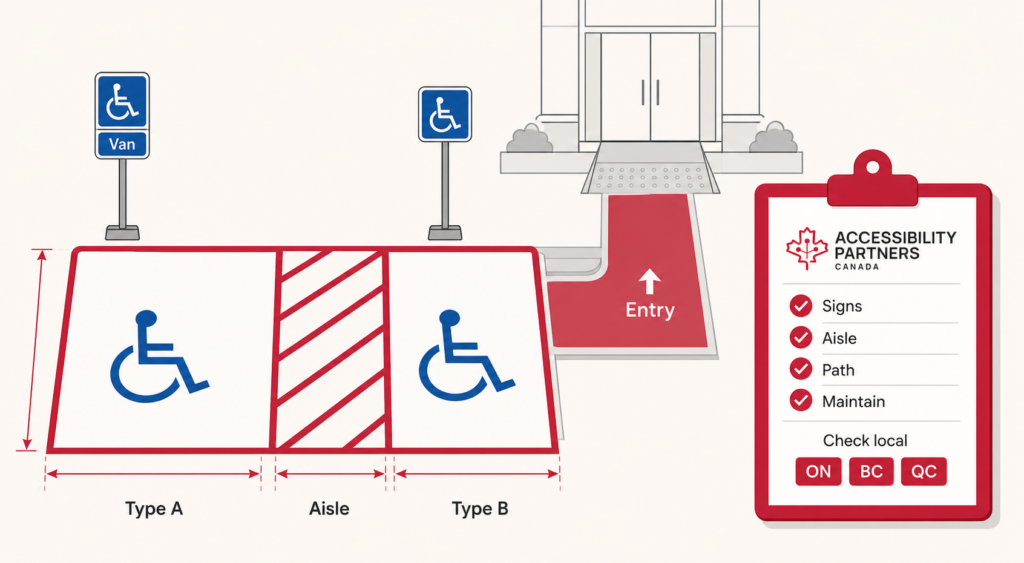
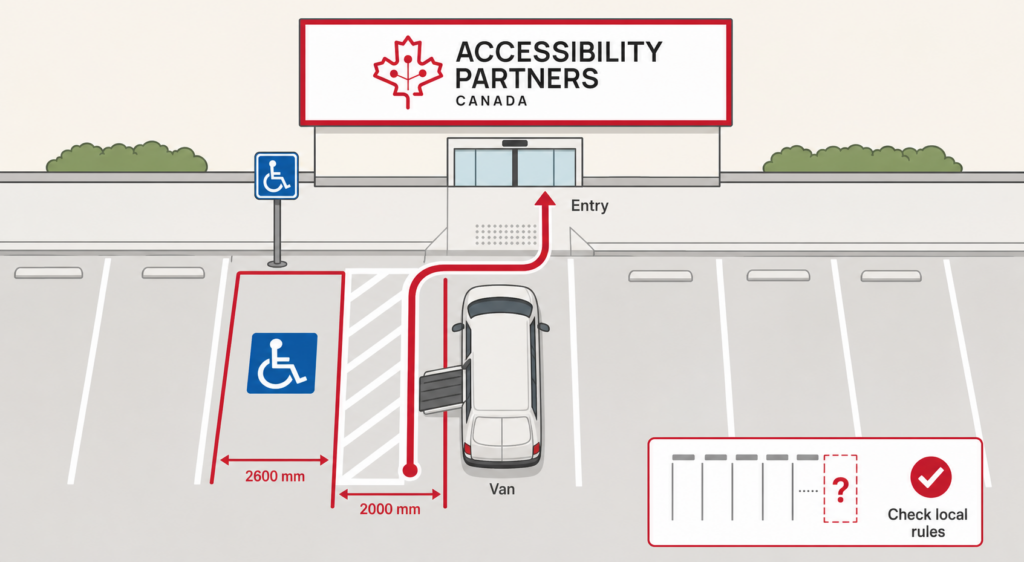
The lack of ramps, elevators, and appropriate seating are just a few of the many obstacles faced in traditional work settings.
Implementing Inclusivity
Solutions can range from simple, low-tech fixes like adjustable desks and chairs, to more complex architectural redesigns that prioritize universal design.
The Concept of Universal Design
Universal design principles in architecture create spaces and products that are accessible to everyone, regardless of age or ability.
Integrated Technologies
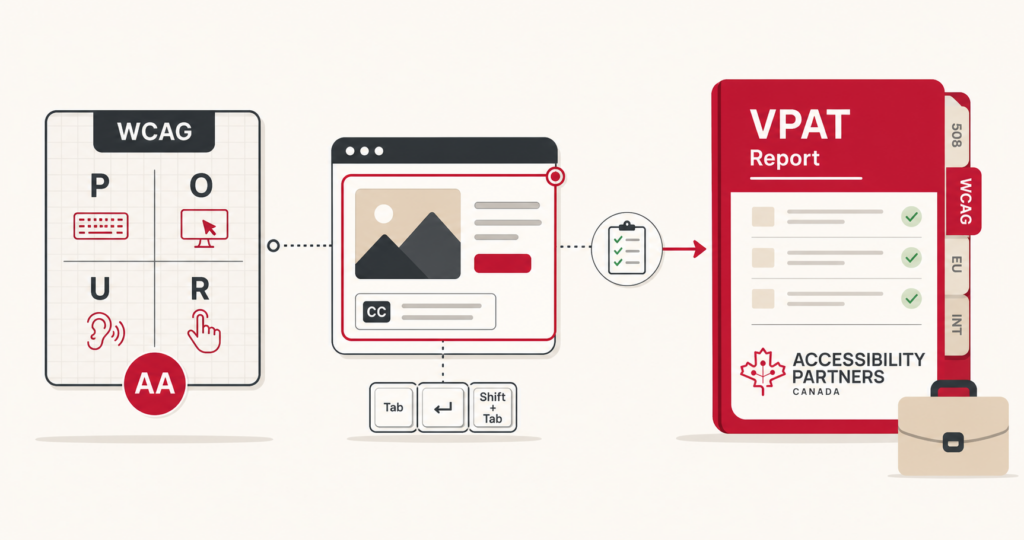
IoT (Internet of Things) devices, smart workplace applications, and wearables are now being used to improve accessibility in ways previously unimaginable.
Hybrid Work Model: A Delicate Balance of Inclusion and Collaboration
The hybrid work model, hailed as a compromise between remote and in-person work, offers both opportunities and challenges for creating an inclusive space.
Balancing Inclusivity and Synergy
It’s important for organizations to ensure that those working remotely and in the office have equal access to resources and opportunities for collaboration.
Impediments to an Equitable Hybrid Model
Issues around visibility, career progression, and technology support could potentially impact the equitable experience of employees in a hybrid model.
The Future of Work: Paving the Way for Greater Accessibility
Looking forward, how will our understanding of work models continue to evolve, and what does that mean for accessibility in the long term?
Emerging Work Model Trends
From nomadic working to augmented reality offices, new trends could either enhance or complicate the accessibility landscape.
The Role of Legislation and Advocacy
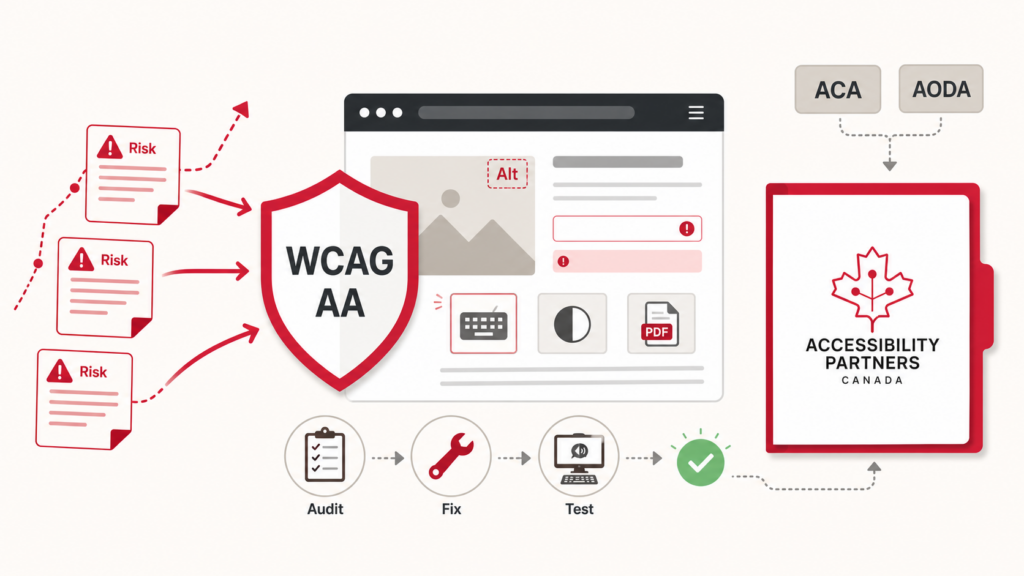
Advances in legislation and stronger advocacy efforts are essential to driving forward the accessibility agenda in the workplace.
Embarking on the Accessibility Journey Together
With the seismic shifts in how, where, and when we work, the opportunity is ripe to reimagine a truly accessible future. It requires ongoing dialogue, learning, and action to ensure that work models not only meet the needs of an organization but also of every individual within it. By centering accessibility in our conversations and decision-making, we are not just staying compliant with laws and regulations, but we are also creating a culture of inclusion, innovation, and growth.