
Our Blogs

A person uses a stylus on a tablet while sitting at a desk with a keyboard, notebook, and a small potted plant in the foreground, working to get web accessibility certification.

Web Accessibility Certification: A Step-by-Step Guide

Over the years, web accessibility compliance has become a key priority for businesses and website owners as they face penalties for non-compliance. And this applies to not just websites, but mobile applications as well. In short, the need for greater digital accessibility for users with disabilities is ramping up. This is where web accessibility certification comes into play. Think of it like a formal acknowledgement that your website is compliant with AODA requirements.

Read More


Close-up of computer code displayed on a dark screen, showcasing HTML and PHP syntax in various colors, illustrating the processes and challenges in Compliance Management Guide.

A Quick Guide to Compliance Management: Processes and Challenges

Beyond the moral reasons to make your website accessible for people with disabilities, there is a legal obligation as well. But the myriad of legal and regulatory requirements — spanning not just accessibility, but also privacy, data protection and other considerations — can make it difficult to navigate the complex task of making your website compliant.

Read More
A hand interacts with a braille display connected to a computer keyboard, illustrating assistive technology for the visually impaired — a step-by-step guide to accessibility testing in practice.

A Step-By-Step Guide to Understanding Accessibility Testing

There is certainly a business case to be made to ensure that your website and digital applications are accessible and meet the needs of users with disabilities. This includes the legal imperative, commercial opportunities and moral requirements. But ensuring your digital products are accessible to everyone is easier said than done. So, this is where accessibility testing comes in.

Read More
A climber ascends a rugged rock face, showcasing determination against a backdrop of clouds and mossy stone, symbolizing the spirit of overcoming challenges — much like how AODA WCAG destroy accessibility barriers for new opportunities.

AODA & WCAG: Destroy Accessibility Barriers for New Opportunities

What do you think of when someone mentions Accessibility Barriers? Does it perhaps pertain to buildings or sidewalks with a narrow walkway unsuitable for wheelchairs? How about infographics with no alternative text (alt text)? While society has come a long way in creating more accessible environments, persistent challenges remain as barriers to total inclusivity. Accessibility barriers are challenges or obstacles that limit individuals with disabilities from accessing or using either digital content, products, or physical spaces. These obstacles not only affect individuals with disabilities but also impact the broader community by:

Read More
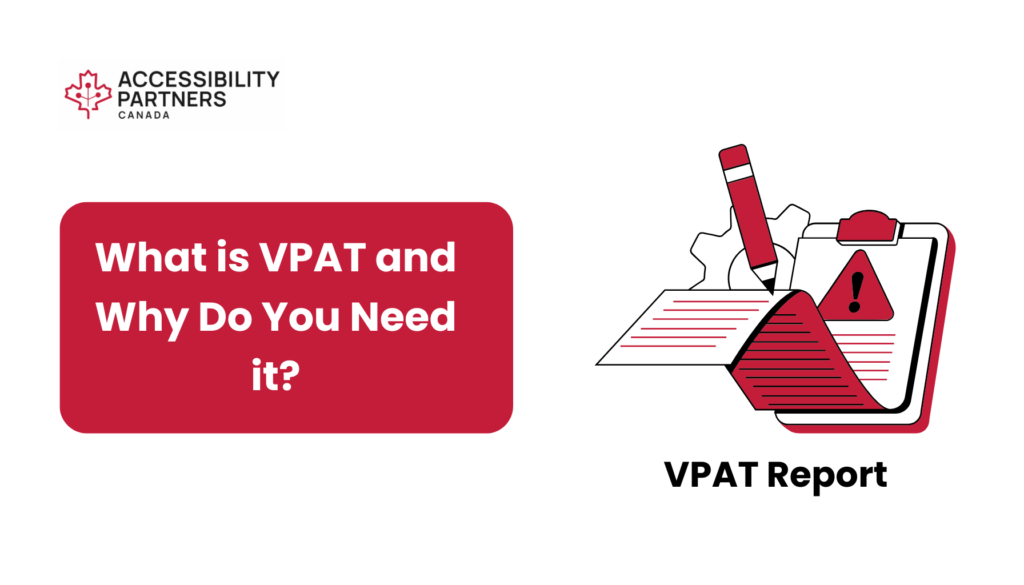
What is VPAT and why do you need it? Illustration of a VPAT report with a pencil, gears, and an alert symbol, representing the importance of accessibility compliance documentation.

What is a VPAT? and Why Do You Need it?

The commitment to inclusivity has become a cornerstone for organizations across the public sector spectrum. From federal agencies to provincial bodies and municipal entities, diverse public sectors share a common goal — ensuring their digital landscapes are accessible to everyone.

Read More
A healthcare professional stands beside a stethoscope, a shield with a cross, a pill bottle, and green leaves, symbolizing health and care — representing the importance of AODA guidelines for healthcare providers.

Why AODA Guidelines are Actually Important for Healthcare Providers

However, the increase in digital communication and services for healthcare means that disabled people become limited to the quality of their treatment if they cannot access those digital resources effectively. Therefore public and private healthcare providers in Ontario must prioritize accessibility to meet the needs of all patients and clients.

Read More
A top view of a desk with multiple devices displaying a "Best Web Design" website, alongside a plant and office supplies — illustrating how WCAG 2.1 evolved for the better.

This is How WCAG 2.1 Evolved for the Better

The Web Content Accessibility Guidelines were developed by the World Wide Web Consortium (W3C) and have been around since 1999. The W3C launched multiple versions of WCAG over time to ensure the guidelines evolved with the accessibility needs of society.. At the moment, the latest version is WCAG 2.1 with version 2.2 pending approval.

Read More
A person’s hand typing on a laptop displaying a vibrant collage of images, with cameras and a coffee cup in the background — illustrating creative work while exploring The Best 10 Dyslexia-Friendly Fonts Your Website Needs.

The Best 10 Dyslexia Friendly Fonts Your Website Needs

Here's something you probably didn't know. Of all the content written on a webpage, roughly only 20% of that content is read by the user. Nowadays, users consume mostly images and videos, so when they consume text, they scan it and pick out the most important words. However, not all users have the ability to scan through text seamlessly. Roughly five to ten percent of Canadians live with Dyslexia, a disability that can be difficult to diagnose. Due to the different severity levels of Dyslexia, it's essential to update your digital content so all users can easily consume that information.

Read More

Get started with your Compliance Consultation

At Accessibility Partners, we specialize in ensuring compliance with accessibility standards. Let us handle all your accessibility needs efficiently, so you can focus on your core business. Trust our expertise to keep your organization accessible to all.

Fields marked with asterisk (*) are mandatory.

Preferred Method of Contact
=