
There is certainly a business case to be made to ensure that your website and digital applications are accessible and meet the needs of users with disabilities. This includes the legal imperative, commercial opportunities and moral requirements. But ensuring your digital products are accessible to everyone is easier said than done. So, this is where accessibility testing comes in.
What we mean by accessibility testing is a systematic process of testing the features of your web application — often against accessibility guidelines, as well as useability with native assistive technology users — to ensure that all users are able to interact with the software.
Understanding Web Accessibility Standards
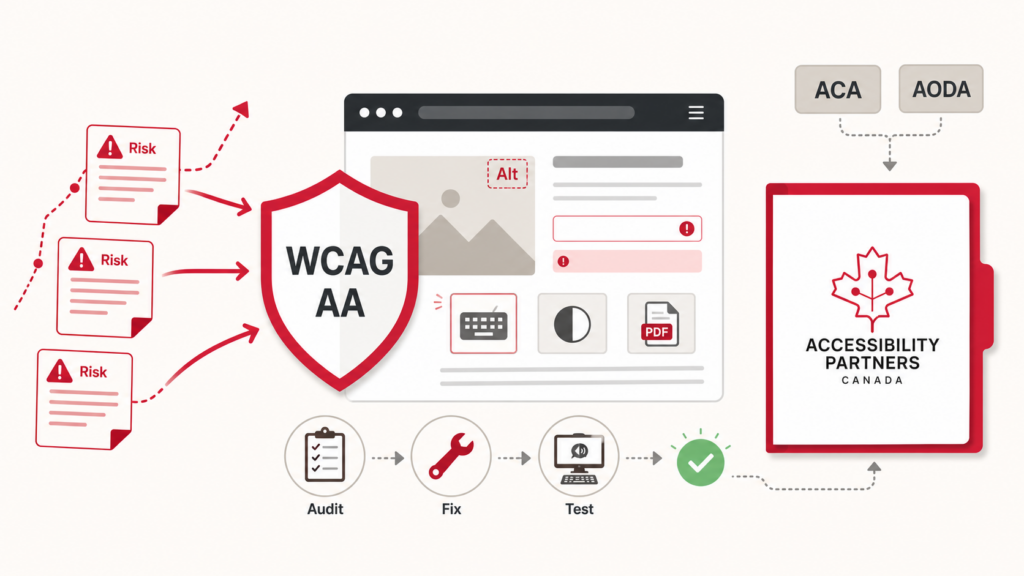
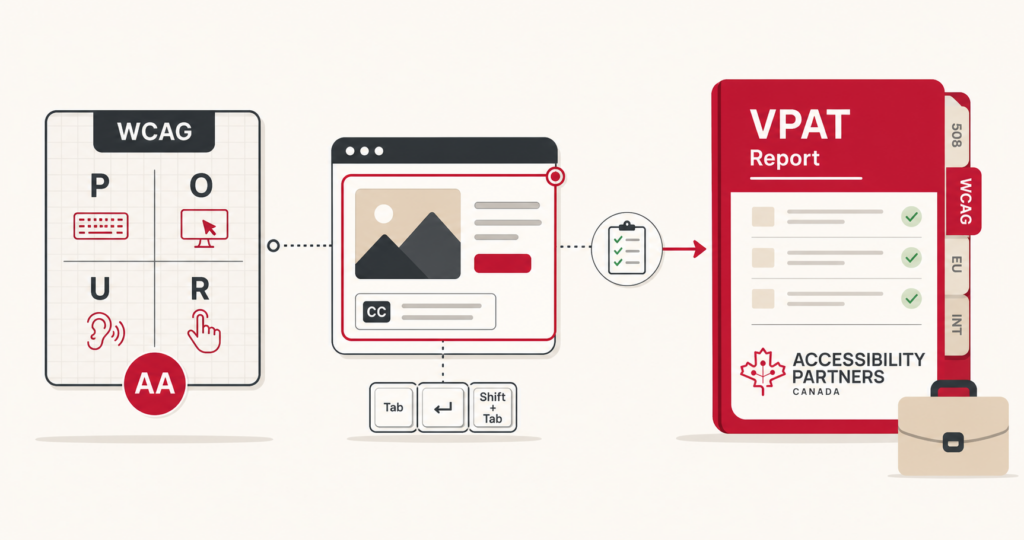
Before diving head first into accessibility testing, understanding the current web accessibility standards is crucial. These standards, like the Web Content Accessibility Guidelines (WCAG) by the World Wide Web Consortium (W3C), set the criteria for testing digital properties. Established in 1999, WCAG addresses evolving accessibility and technology needs, and is continuously updated to reflect those needs, with WCAG 2.2 as the latest version. The guidelines are organized into four key categories, simplifying the compliance process for website testing and ensuring digital inclusivity.
- Perceivable
- Operable
- Understandable
- Robust
WCAG offers extensive guidance for digital accessibility, focusing not only on non-text content like images, videos, and audio, but also on the overall structural and navigational aspects of digital platforms. These guidelines are crucial for creating an inclusive web experience with content that is accessible to users with diverse abilities. Key points include:
- Text Alternatives: Providing textual descriptions for non-text elements enables screen readers to convey information to visually impaired users. This includes alt-text for images, captions for videos, and transcripts for audio content.
- Time-based Media: For videos and audio, providing closed captions, audio descriptions, and transcripts ensures accessibility for deaf or hard-of-hearing users, as well as those who prefer reading over listening.
- Content Structure: Well-structured content, with clear headings, lists, and consistent layout, aids in navigation and comprehension, particularly for users with cognitive impairments or those using assistive technologies like screen readers.
- Visual Design: Colour Contrast and legible font sizes are essential for users with visual impairments. High contrast between text and background colors aids readability.
- Navigability: Ensuring websites are navigable via keyboard benefits users with motor disabilities who rely on keyboard navigation instead of a mouse. This includes clear focus indicators and logical tab order.
- Compatibility: Ensuring websites work seamlessly with assistive technologies like screen readers, magnifiers and voice recognition software broadens access for users with different disabilities.
- Inclusive Design: Incorporating principles of inclusive design in the development process ensures that websites are usable by a wide range of people, including older individuals and those with temporary disabilities.
While the implementation of these guidelines varies based on the specific content and context of each website, adhering to them is a significant step toward removing barriers and creating a web environment accessible to all users.
How to Conduct Accessibility Testing
Starting with accessibility testing involves understanding WCAG features. This includes key guidelines like document structure, colour contrast, and alternative text for images. It’s a good idea to use tools like a colour contrast analyzer and WAVE for assessing web pages, as well as to check manually for keyboard navigation, heading structure, screen reader compatibility, zooming, text spacing, and accessible authentication. It’s also recommended to test across different browsers and devices for a universally accessible experience. This comprehensive approach helps in identifying and addressing potential accessibility barriers on your website.
Common Accessibility Related Issues and Solutions
Accessibility testing aims to identify and resolve web accessibility barriers. Common issues — and their respective solutions — include:
- Insufficient Colour Contrast: Ensure adequate contrast between text and background. WCAG recommends a contrast ratio of 4.5:1 for small text and 3:1 for larger text.
- Missing or Unclear Alternative Text for Images: Provide concise, descriptive alt text for all images to aid users with visual impairments.
- Non-descriptive Links: Use clear, descriptive text for links to help screen reader users understand navigation destinations.
- Inaccurate Heading Hierarchy: Structure headings correctly for easy navigation by screen readers.
- Keyboard Inaccessibility: Optimize the website for keyboard-only navigation to assist users with visual or mobility impairments.
Accessibility testing is a continuous, iterative process. This is because web accessibility evolves as new challenges arise with changes in digital applications. It’s important to stay updated with the latest web accessibility standards and seek direct feedback from users with disabilities. While accessibility testing may seem complex, our team at Accessibility Partners Canada is here to guide you.
Schedule a free consultation with us and, together, we navigate the process of accessibility testing.