What is WCAG 2.2 AA?
WCAG 2.2 AA refers to the latest level of conformance in the Web Content Accessibility Guidelines (WCAG), released officially in October 2023 by the World Wide Web Consortium (W3C). These guidelines are internationally recognized as the benchmark for ensuring that websites, applications, and digital content are accessible to people with disabilities.
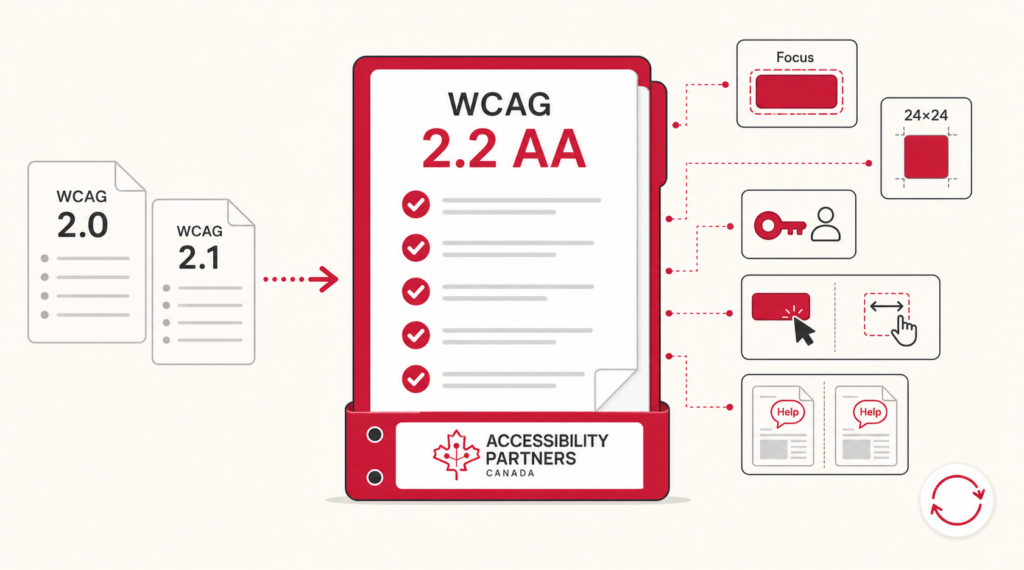
The update builds on previous versions—WCAG 2.0 (2008) and WCAG 2.1 (2018)—by adding nine new success criteria, all designed to enhance usability for people with cognitive, motor, and low-vision disabilities. WCAG 2.2 AA compliance is now the current W3C standard and the best-practice target across the US and Canada (legal minimums differ: AODA cites WCAG 2.0 AA; the US ADA Title II rule cites WCAG 2.1 AA), the EU, and Australia.
From improving navigation and authentication to refining focus visibility and touch targets, WCAG 2.2 AA ensures digital content is more inclusive, functional, and user-friendly for all.
Why WCAG 2.2 AA Compliance Matters for Learning Deliverables
For educational institutions and digital learning platforms, WCAG 2.2 AA compliance isn’t just about meeting legal obligations, it’s about equitable access to knowledge. Accessible learning materials empower students with:
- Vision impairments (e.g., low vision, color blindness)
- Hearing impairments
- Motor limitations (e.g., limited mobility or dexterity)
- Cognitive or neurological conditions (e.g., ADHD, dyslexia)
When learning content meets these standards, it allows every student to engage fully and independently. Whether you’re designing an LMS, interactive module, or assessment tool, accessibility ensures all learners can read, navigate, and complete tasks without external help.
In short, accessible learning = inclusive learning.
WCAG 2.1 vs. WCAG 2.2: What’s New?
While WCAG 2.1 introduced improvements for mobile users and cognitive accessibility, WCAG 2.2 expands the framework to address common real-world accessibility gaps. Here’s what’s new:
- Nine additional success criteria
- Improved keyboard focus visibility, helping users identify where they are on a page
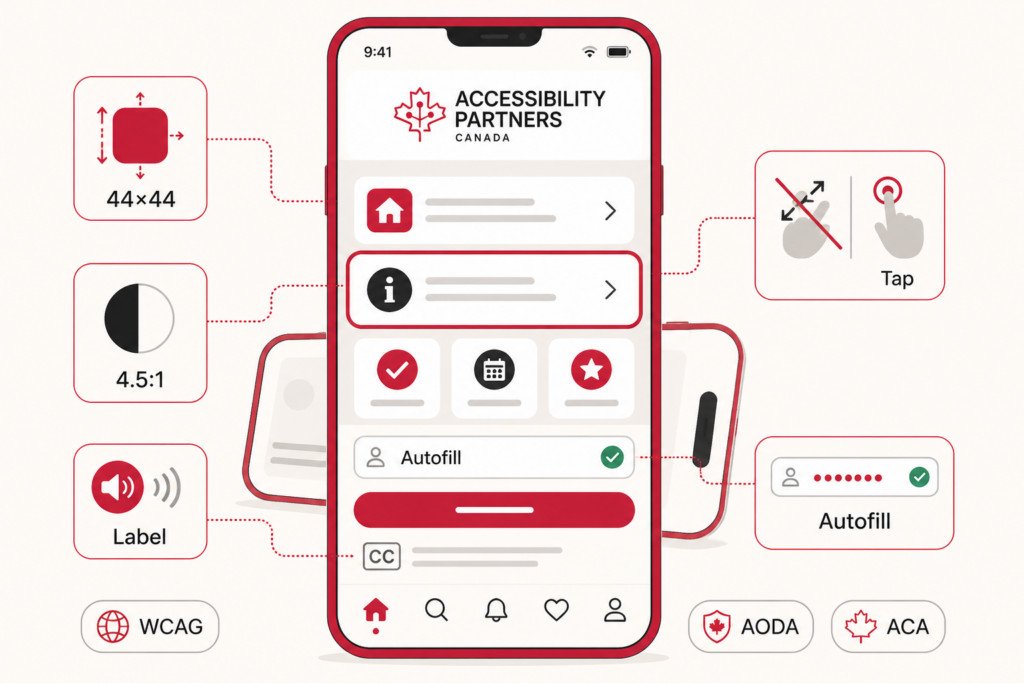
- Larger target sizes for buttons and interactive elements
- Simplified and accessible authentication flows (e.g., less reliance on cognitive memory tasks)
- Support for users who can’t drag-and-drop, via alternative interaction methods
Unlike a complete overhaul, WCAG 2.2 retains all success criteria from 2.1 (minus one deprecated item) and simply builds on top of them.
How WCAG 2.2 Relates to Earlier Versions
One of the most reassuring aspects of WCAG 2.2 is its backward compatibility. If your website or digital product conforms to WCAG 2.2, it automatically satisfies the requirements of:
- WCAG 2.0
- WCAG 2.1
This seamless progression makes upgrading to 2.2 more of a strategic evolution than a costly reinvention. It encourages digital teams to enhance accessibility incrementally, without disrupting existing compliance workflows.
Why Conform With WCAG 2.2?
Meeting WCAG 2.2 isn’t just a checkbox, it’s a smart, forward-looking strategy for organizations that care about inclusivity, reputation, and legal protection.
Improved Accessibility: More inclusive designs enhance user experience for all, especially those using assistive technologies like screen readers or voice commands.
- Legal Alignment: Countries like Canada (AODA, ACA), require or recommend WCAG 2.2 AA compliance.
- Brand Trust: Inclusive design builds brand loyalty and trust with both customers and stakeholders.
- Future-Proofing: Regulations are evolving. Being WCAG 2.2–compliant positions your organization ahead of upcoming mandates.
WCAG 2.2 Checklist: What’s New
Here are the nine new success criteria added in WCAG 2.2 (Levels A, AA, AAA):
Accessible Authentication (Minimum – AA)
Avoids cognitive burdens (e.g., remembering passwords) in authentication.
Target Size (Minimum – AA)
Interactive elements must be at least 24×24 pixels for easier touch interaction.
Dragging Movements (AA)
Alternatives must be provided for drag-based actions.
Focus Not Obscured (Minimum – AA)
Focus indicators must remain visible even when overlapping content appears.
Focus Not Obscured (Enhanced – AAA)
Focus indicators must not be partially obscured at all.
Focus Appearance (AAA)
Stronger focus indicators with minimum contrast and thickness.
Consistent Help (A)
Help tools (chat, email, FAQ) must remain consistently located across pages.
Redundant Entry (A)
Users shouldn’t have to re-enter the same data across steps (e.g., autofill support).
Accessible Authentication (Enhanced – AAA)
Allows for password alternatives like copy-paste or biometric entry.
Accessibility Is a Long-Term Commitment
At Accessibility Partners, we understand that accessibility isn’t a one-time fix. Our certified experts provide:
- Manual & automated accessibility audits
- Custom remediation plans
- Training for developers and content teams
- Accessibility monitoring and compliance reporting
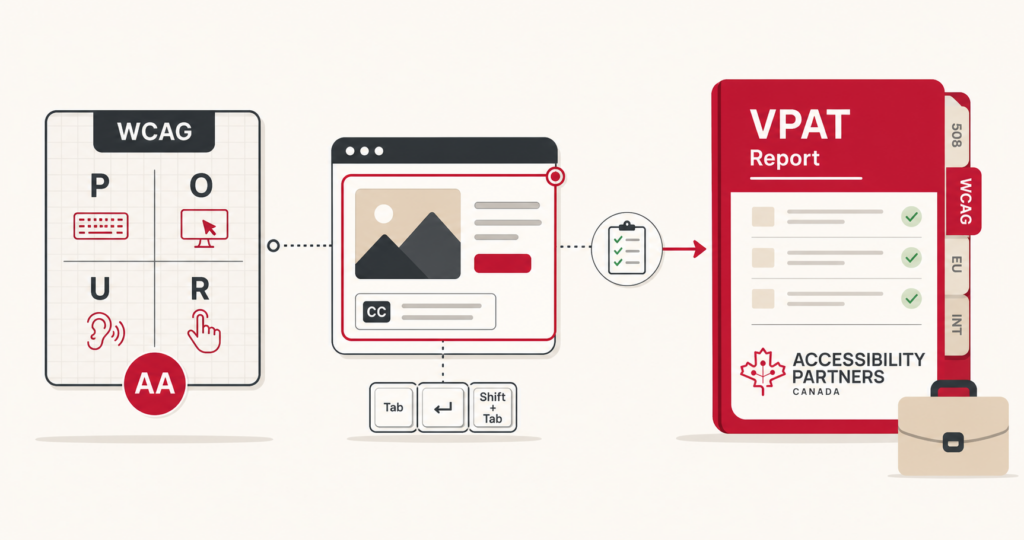
- VPAT & certification support
Whether you’re starting fresh or updating an existing site, we help you stay WCAG 2.2–compliant year-round.
Ready to improve your building’s accessibility? Contact Us for expert guidance and support!