In today’s digital world, users expect websites to work flawlessly across all devices and accessibility should be a core part of that experience. Responsive web design accessibility ensures that websites adapt to different screen sizes while remaining inclusive and usable for everyone, including people with disabilities.
In this blog, we’ll explore how responsive web design intersects with accessibility web design, common mistakes to avoid, and best practices that ensure your site is usable by all regardless of how or where they access it.
The Back Story on Responsive Web Design
Responsive web design emerged in response to the explosion of mobile device usage. As smartphones and tablets became primary browsing tools, developers needed ways to build sites that worked across varied screen sizes and resolutions.
Originally, websites were designed only for desktops. But the rise of mobile-first users made static layouts obsolete. In 2010, the term “responsive web design” was coined to describe a flexible approach that allows websites to automatically adjust content, layout, and functionality across devices.
What began as a screen-size solution has evolved into a foundation for inclusive digital experiences.
Web Design Principles That Improve Accessibility
Several core design principles improve both responsive website design and web accessibility design:
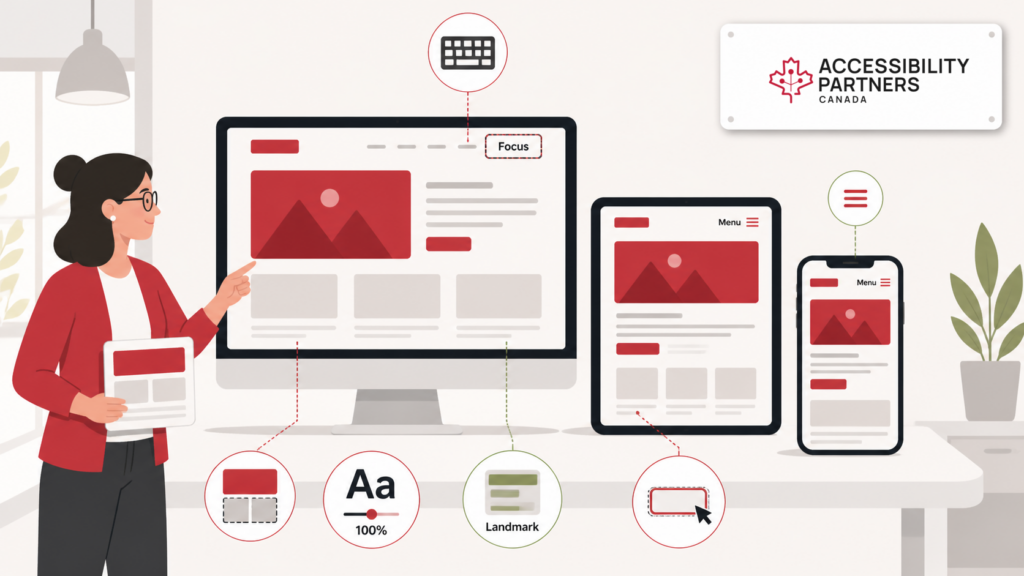
- Flexible Layouts: Enable zoom and orientation changes without breaking content.
- Readable Typography: Use scalable fonts, proper line spacing, and sufficient contrast.
- Keyboard Navigation: Ensure full access without relying on a mouse.
- Clear Hierarchy & Landmarks: Help screen reader users navigate content more easily.
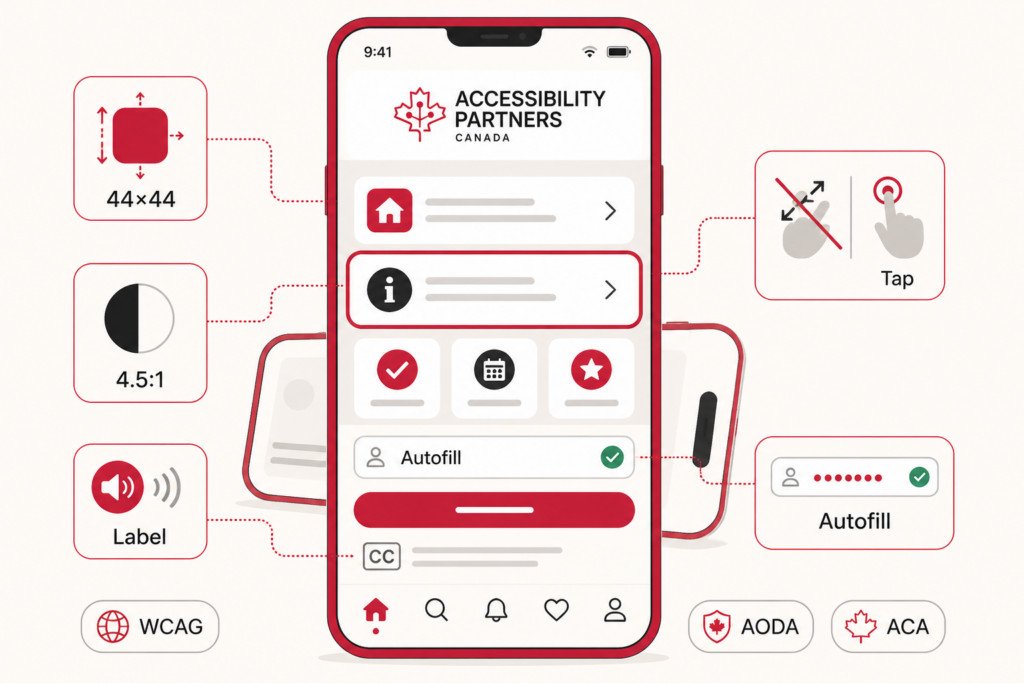
- Mobile Compatibility: Ensure usability on all screen sizes, including responsive menus, forms, and controls.
- How Responsive Web Design Improves Accessibility
Responsive web design supports accessibility by:
- Scaling Text and Images Automatically: Beneficial for users with low vision who use magnifiers or zoom functions.
- Improving Mobile Navigation: Users with motor impairments benefit from larger touch targets and simplified gestures.
- Ensuring Consistent Layouts Across Devices: Reduces confusion for users with cognitive or visual disabilities.
- Logical Content Reflow: Prevents hidden or cut-off content on smaller screens.
When combined with accessibility requirements like semantic HTML, ARIA roles, and proper labeling, responsive design becomes a cornerstone of inclusion.
Responsive Web Design vs. Adaptive Web Design
Though often used interchangeably, responsive and adaptive web design are different:
- Responsive Design: Uses flexible grids and CSS to fluidly adjust content across all screen sizes.
- Adaptive Design: Uses fixed layouts optimized for specific screen widths (e.g., separate versions for desktop and mobile).
Accessibility Comparison:
- Responsive Pros: Single codebase, easier maintenance, better SEO, smoother accessibility support.
- Responsive Cons: Requires comprehensive testing for small-screen accessibility.
- Adaptive Pros: Tailored experience for each device.
- Adaptive Cons: May result in inconsistent accessibility or outdated layouts on newer devices.
Accessible Responsive Design: Common Missteps to Avoid
Some design choices unintentionally reduce accessibility, even in responsive layouts:
- Low Colour Contrast: Makes content unreadable, especially on small or bright screens.
- Hidden Content: Visually hidden elements may not be accessible to screen readers.
- Unlabeled Buttons or Links: Creates confusion for users relying on assistive technology.
- Unresponsive Menus or Forms: May break on mobile, preventing task completion.
To avoid these issues, regularly test your designs with accessibility tools, use checklists, and include real user testing.
Two Critical Design Strategies That Augment Responsive Web Design
1. Flexible Grid Systems
Flexible grids help organize content in a logical, scalable layout. Using percentage-based widths instead of fixed pixels ensures designs adjust smoothly to all screen sizes.
2. Scalable Typography
Use relative units (em, rem, or %) instead of fixed font sizes. This allows users to increase text size without layout breakage essential for people with visual impairments.
These techniques enhance both mobile responsive design and accessibility, creating consistent user experiences across devices.
Responsive Design and Accessibility: What the Future May Hold
As technology evolves, so do accessibility expectations. Here’s what’s ahead:
- WCAG 2.2 and WCAG 3.0: Updated accessibility guidelines offer improved support for focus styles, touch targets, and cognitive accessibility.
- Voice Navigation and Smart Interfaces: AI-driven design will support voice, gesture, and personalized access modes.
- Mobile-First Accessibility: With mobile dominating traffic, accessibility-first mobile design will become a baseline standard.
Forward-thinking teams are now baking accessibility into every step of their responsive web development process.