A note on the term “AODA-compliant fonts”: neither the AODA nor WCAG approves or requires any specific typeface. The legal web requirement under AODA is WCAG 2.0 Level AA, which sets rules for contrast, resizing, and readability — not fonts. The fonts recommended below are readability best practices that help you meet those requirements.
In an increasingly digital world, ensuring accessibility on the web is not just a legal obligation it’s a critical component of inclusive design. The Accessibility for Ontarians with Disabilities Act (AODA) sets clear standards to make web content accessible for everyone, including people with visual, cognitive, or learning disabilities.
One of the simplest yet most impactful ways to meet these standards is by choosing AODA-compliant fonts. This blog explores how the right font choices can improve accessibility and support AODA website compliance in 2025 and beyond.
What Are AODA-Compliant Fonts?
AODA-compliant fonts are those that meet accessibility guidelines defined by the AODA and are designed for optimal readability by all users, including individuals with disabilities. These fonts support users with low vision, dyslexia, and cognitive challenges by ensuring that text is easy to distinguish, read, and navigate—especially when paired with screen readers and other assistive technologies.
Simply put, accessible fonts are clear, simple, and free of decorative features that may interfere with reading comprehension.
Why AODA-Compliant Fonts Matter
Improved Readability
Clear and well-spaced fonts make it easier for users with low vision or blurry eyesight to read content without eye strain or confusion.
Support for Dyslexia and Learning Disabilities
Fonts with clean letterforms and consistent spacing help reduce reading errors, making content more digestible for individuals with dyslexia or cognitive impairments.
Enhanced Usability Across Devices
As more users access content on mobile devices, accessible web fonts that scale well and remain legible on small screens are essential for an inclusive user experience.
Legal Protection
Using AODA-compliant fonts helps businesses and organizations avoid non-compliance penalties and support broader efforts toward digital inclusion in Ontario and Canada.
Key Features of AODA-Compliant Fonts
To ensure your website meets AODA standards, focus on the following font accessibility requirements:
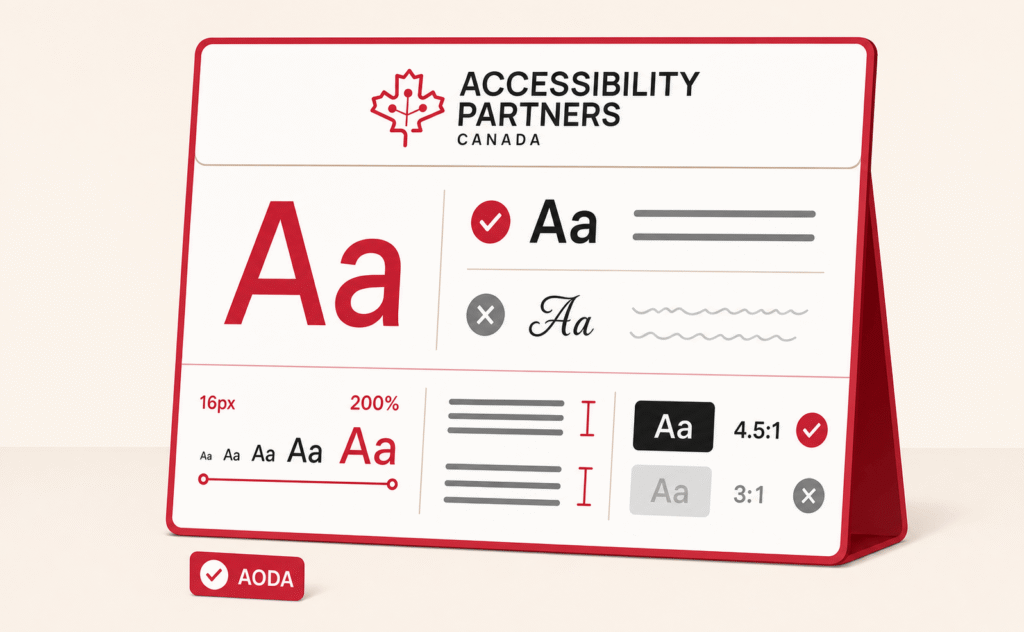
- Legibility: Choose fonts with distinguishable characters and consistent stroke widths. Avoid script, decorative, or condensed fonts.
- Font Size & Spacing: Use scalable font sizes (typically starting at 16px for body text) and ensure proper line height and letter spacing for readability.
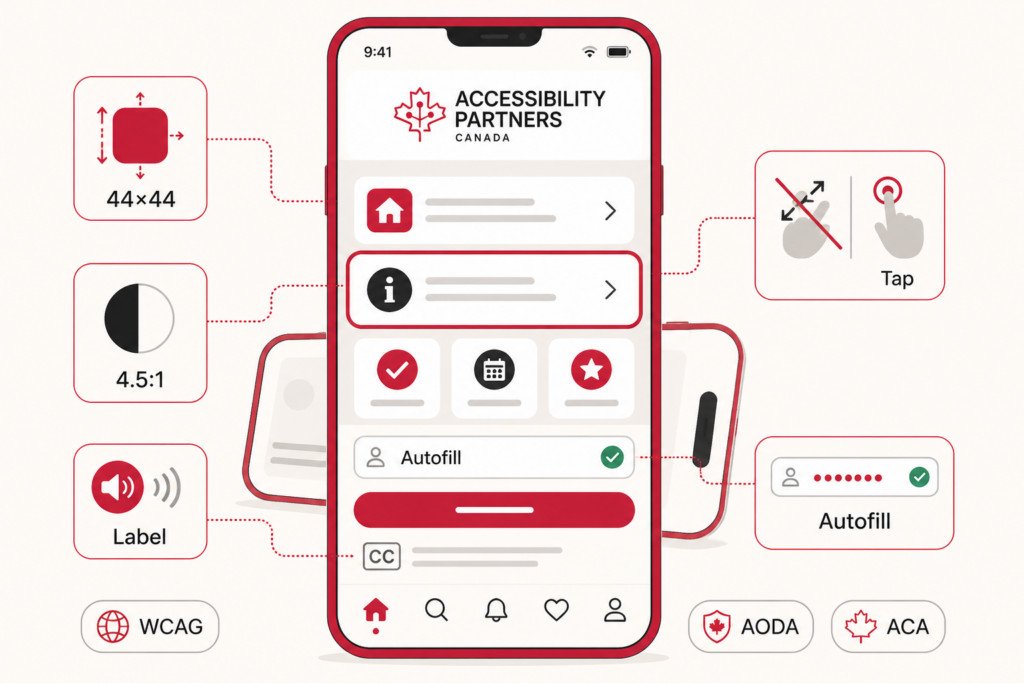
- High Contrast: Maintain strong contrast between text and background—at least 4.5:1 for normal text, and 3:1 for large text, per WCAG guidelines.
Best Fonts for AODA Compliance
Here are some of the most accessible fonts that meet AODA requirements:
- Arial: A simple, sans-serif font with clean lines—widely regarded as one of the most readable fonts on the web.
- Helvetica: Offers high legibility and excellent clarity across devices and screen sizes.
- Verdana: Designed for screen use, this font features wider spacing and larger letters for improved readability.
- Tahoma: Slightly narrower than Verdana but still a solid choice for clarity and accessibility.
These fonts are universally recognized for their accessibility and are safe, reliable choices for websites that need to meet AODA website compliance standards. If you need help implementing these fonts on your website, check out our Accessibility Services to ensure your content is fully compliant.
Common Mistakes to Avoid in Font Accessibility
When aiming for compliance, be cautious of these common errors:
- Small Font Sizes: Text under 16px can be difficult to read, especially for aging users or those with visual impairments.
- Low Contrast: Pale text on light backgrounds or bright colors on dark backgrounds reduce visibility and accessibility.
- Overly Decorative Fonts: Fancy typefaces with flourishes are hard to interpret and pose barriers for users with dyslexia or cognitive conditions.
- Fixed-Size Text: Always allow users to zoom or resize text without losing layout functionality.
If your website is currently facing any of these issues, we can help. Learn more about AODA compliance and how we can assist in fixing these common problems by visiting our Web Accessibility Solutions.
Final Thoughts
Choosing AODA-compliant fonts is one of the easiest and most effective steps you can take toward making your digital content more accessible. In 2025, inclusive font choices are not just best practice—they’re a standard expectation.
If you’re unsure whether your website meets current font accessibility guidelines, it’s time to review and adjust. Accessibility Partners can help you assess and upgrade your typography, ensuring your content is compliant, usable, and inclusive for everyone.
Need help reviewing your site’s accessibility? Contact us for a consultation and let our experts guide your next step toward AODA compliance.