Ensuring your website is accessible to all users, including those with disabilities, is a crucial part of inclusive web design and compliance with digital accessibility laws. Web Accessibility Evaluation Tools help businesses, developers, and UX designers identify and fix accessibility barriers, ensuring compliance with WCAG, AODA website compliance, and other digital accessibility regulations in Canada.
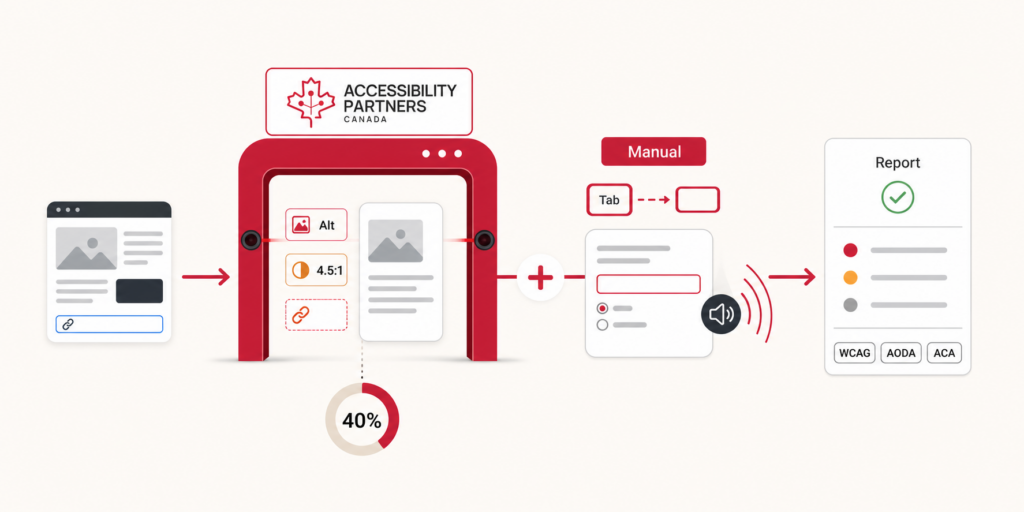
While automated testing tools play a significant role in accessibility evaluations, it’s important to note that automated tools can only detect about 40% of accessibility barriers. Manual testing by subject matter experts is required to assess complex accessibility issues, including usability challenges, screen reader interactions, and assistive technology compatibility.
In this blog, we explore the best web accessibility evaluation tools, their key features, and why relying solely on automated testing for full compliance is not advised.
What is a Web Accessibility Evaluation Tool?
A Web Accessibility Evaluation Tool is a software application or online platform designed to test websites for accessibility barriers. These tools scan web pages and provide detailed reports on issues affecting users with disabilities, such as visual impairments, motor limitations, and cognitive challenges.
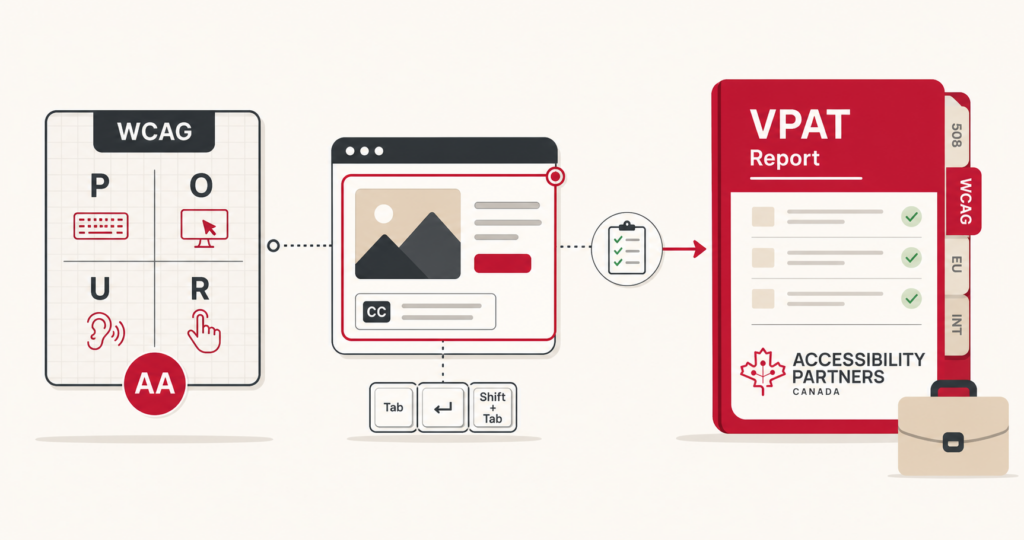
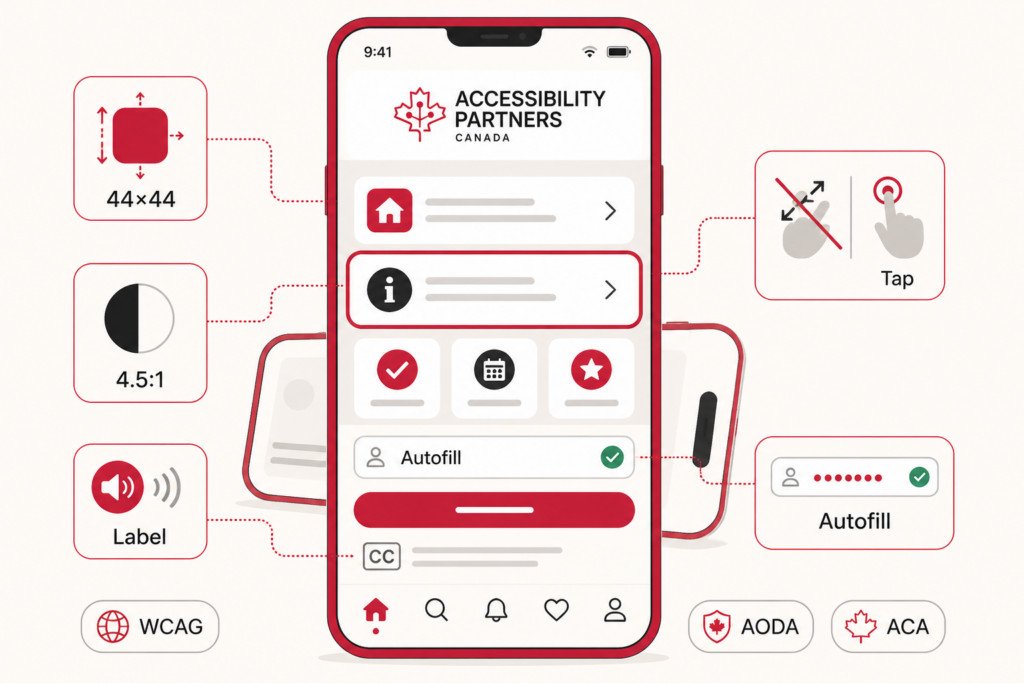
These tools evaluate websites against global accessibility standards, including:
WCAG (Web Content Accessibility Guidelines): Ensuring compliance with international digital accessibility best practices.
AODA (Accessibility for Ontarians with Disabilities Act): Canadian businesses must ensure their websites meet accessibility standards.ACA (Accessible Canada Act): Federal legislation aimed at achieving barrier-free accessibility across Canada.
Automated vs. Manual Testing: Why Both Are Necessary
- Automated testing detects only 40% of accessibility barriers, such as missing alt text, contrast issues, and empty links.
- Manual testing is necessary to evaluate keyboard navigation, screen reader compatibility, and user experience barriers that automated tools often miss.
- For full compliance, businesses must combine automated testing with expert-led manual testing to identify and fix all accessibility issues.
Key Features to Look For in an Accessibility Tool
When selecting a web accessibility evaluation tool, it’s important to consider key features that enhance usability and compliance tracking.
1. Ease of Use
- The tool should have an intuitive interface that makes it easy to scan, test, and interpret results.
- Offers browser extensions or plugins for quick accessibility checks.
2. Detailed Reporting
- Generates comprehensive reports highlighting accessibility violations.
- Provides clear explanations and remediation recommendations for developers and designers.
3. Compatibility
- Supports multiple platforms, including desktop, mobile, and responsive websites.
- Works with various content management systems (CMS) like WordPress, Shopify, and Drupal.
4. Compliance Standards
- Tests against WCAG 2.1, WCAG 2.2, AODA, and ACA standards.
- Helps ensure compliance with government regulations and industry best practices.
5. Customization
- Allows businesses to adjust settings and prioritize accessibility issues based on their industry requirements.
- Offers integration with third-party accessibility tools for in-depth analysis.
6. Cost & Scalability
- Includes both free and premium plans for different budget levels.
- Scales to accommodate small websites and enterprise-level accessibility testing.
Best Web Accessibility Evaluation Tools
As digital accessibility becomes increasingly important, businesses must ensure their websites and digital platforms are compliant with WCAG, AODA, and ACA (Accessible Canada Act) standards. Web accessibility evaluation tools play a crucial role in detecting and addressing accessibility barriers, making websites more inclusive for individuals with disabilities.
The best digital accessibility tools in Canada offer a mix of automated scanning, manual testing support, and compliance tracking. Here’s a detailed list of the top web accessibility evaluation tools and their key features:
1. WAVE (Web Accessibility Evaluation Tool)
WAVE is a free web accessibility tool developed by WebAIM to help designers and developers identify and fix accessibility barriers in real time. It provides visual overlays to highlight issues directly on the web page.
Key Features:
- Identifies WCAG compliance errors.
- Provides visual overlays highlighting accessibility issues.
- Available as a browser extension and online tool.
Best For: Developers, designers, and content creators looking for an intuitive tool.
2. AXE Accessibility Checker
AXE by Deque Systems is one of the most powerful automated accessibility testing tools, designed for developers looking to integrate accessibility evaluations into their workflow.
Key Features:
- Integrates with Chrome, Firefox, and Edge.
- Runs real-time accessibility scans on web pages.
- Provides detailed recommendations for fixes.
Best For: Developers needing robust accessibility testing in development environments.
3. Google Lighthouse
Google Lighthouse is an open-source tool built into Chrome DevTools that audits web pages for performance, SEO, and accessibility.
Key Features:
- Built into Chrome DevTools.
- Tests performance, SEO, and accessibility.
- Free and easy to use.
Best For: Website owners looking for a quick accessibility check.
4. Tenon.io
Tenon is a developer-friendly, API-based accessibility testing tool that integrates directly into web development environments to catch issues during the coding phase.
Key Features:
- API-driven accessibility testing for web applications.
- Helps integrate accessibility checks into development workflows.
Best For: Teams looking for automation-friendly accessibility testing.
5. Siteimprove Accessibility Checker
Siteimprove offers advanced website accessibility monitoring and reporting for large organizations managing multiple digital assets.
Key Features:
- Provides in-depth reporting on accessibility issues.
- Integrates with CMS platforms like WordPress and Drupal.
Best For: Organizations managing large-scale websites.
Conclusion
Using the right web accessibility evaluation tool helps businesses ensure compliance with WCAG, AODA, and ACA standards. However, relying solely on automated testing is not advised, as it only detects about 40% of possible accessibility barriers.
For full compliance, organizations must combine automated accessibility evaluations with manual testing conducted by subject matter experts. Manual testing identifies real-world usability challenges, keyboard navigation issues, and screen reader compatibility problems, ensuring a truly inclusive web experience.
Want to make your website fully accessible and compliant? Contact us for a professional manual and automated accessibility audit today!
Ensure Your Website Is AODA & WCAG Compliant Today!
Enhance your website’s accessibility, compliance, and usability with Accessibility Partners. Schedule an Accessibility Audit today and ensure your website meets the highest accessibility standards!
Ready to improve your building’s accessibility? Contact Us for expert guidance and support!