Digital accessibility is one of the top priorities for web teams in 2025. Businesses, governments, and organizations increasingly understand the importance of accessible websites, and many have taken steps to implement the basics like using alt text for images, ensuring colour contrast, and adding captions to videos.
But accessibility goes far deeper than these surface-level fixes. There are lesser-known accessibility issues that still fly under the radar and they can create real barriers for users with non-visible disabilities, cognitive challenges, and assistive technology needs. This blog explores some of the uncommon accessibility issues you should be watching in 2025 and why fixing them is essential for a truly inclusive experience.
Why Lesser-Known Accessibility Issues Matter
It’s easy to focus on visual impairments or mobility challenges when thinking about accessibility. But in reality, the digital world must be accessible to users with a wide range of needs many of which aren’t obvious.
Ignoring hidden accessibility barriers can result in:
- Users with cognitive or neurological disabilities are unable to process information.
- Screen reader users encountering frustrating or broken experiences.
- Businesses unknowingly violate WCAG standards, leading to legal risks.
- Lost sales or leads due to poor user experience.
Addressing these digital accessibility issues helps ensure every user can navigate, understand, and interact with your content building trust, expanding your audience, and protecting your brand.
Uncommon Web Accessibility Issues You Might Be Overlooking
Here are some web accessibility challenges that often go unnoticed:
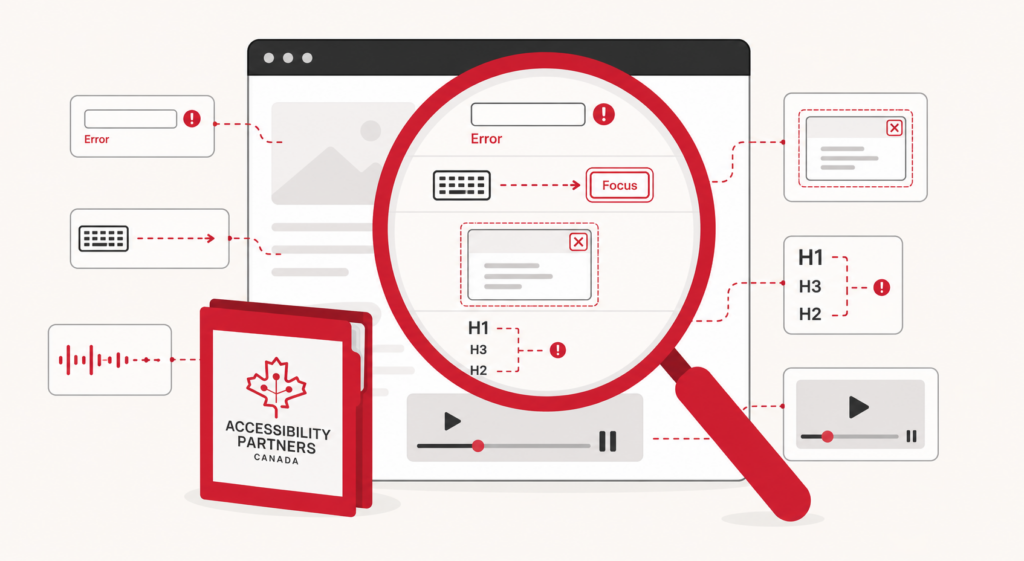
1. Confusing Error Messages in Forms
If a user submits a form with errors and only sees “Something went wrong,” that’s not helpful. Clear, specific, and accessible error messages are essential especially for screen reader users or those with cognitive disabilities.
2. Lack of Focus Indicators
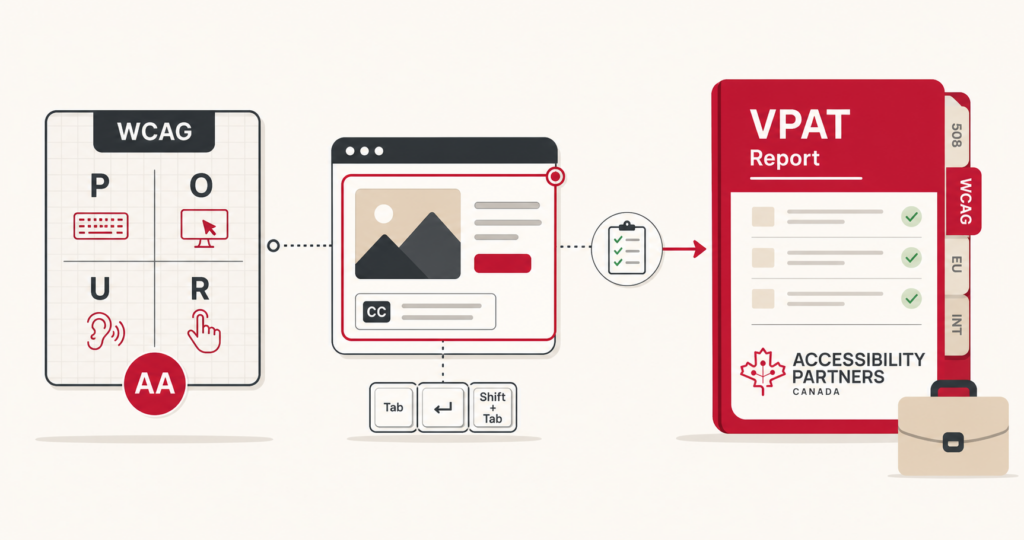
Users navigating with a keyboard need to see which element is currently selected. Without visible focus indicators, they get lost quickly.
3. Misuse of ARIA Roles
ARIA can enhance accessibility but used incorrectly, it often does more harm than good. Overuse or misuse of ARIA roles can confuse screen readers and make content unreadable.
4. Inaccessible Modal Popups
Many modals (pop-ups) trap focus or aren’t properly labeled, leaving users stuck or unaware that new content has appeared.
5. Ambiguous Link Text
Phrases like “Click here” or “Learn more” give no context. Screen reader users often navigate by link lists, so links should be descriptive—e.g., “Download our 2025 Accessibility Guide.”
6. Autoplaying Media
Videos or audio that start automatically can be overwhelming, especially for neurodiverse users or those using screen readers.
7. Poorly Structured Headings
Headings should follow a logical order (e.g., H1, H2, H3). Skipping levels or using bold text instead of actual heading tags disrupts screen reader navigation.
Real-World Impact of Overlooking These Issues
Failing to address these subtle issues can cause:
- User Frustration: If users can’t navigate forms, find content, or understand errors, they’ll abandon your site.
- Lost Revenue: Accessibility is closely tied to usability. When barriers exist, so do drop-offs.
- Reputation Damage: Accessibility lawsuits are public. Being labeled as non-inclusive can impact trust and brand equity.
- SEO Problems: Search engines favor clean, accessible code and structured content. Ignoring accessibility hurts search performance too.
How to Identify and Fix Lesser-Known Accessibility Barriers
To catch and correct hidden accessibility barriers, follow these steps:
- Use Accessibility Testing Tools: Tools like axe, WAVE, and Lighthouse flag many issues—but don’t rely on them alone.
- Conduct Manual Testing: Use your website with only a keyboard or a screen reader like NVDA or VoiceOver.
- Test with Real Users: Involve people with disabilities in usability testing. They’ll spot issues automated tools miss.
- Review WCAG Guidelines: Pay attention to Level AA and upcoming WCAG 2.2/3.0 requirements.
- Work with Accessibility Consultants: Experts can perform accessibility audits and help prioritize fixes. Organizations looking for local support may also benefit from working with web accessibility consultants in Winkler to identify barriers and implement remediation strategies.
Best Practices for Inclusive Web Design in 2025
In 2025, inclusive design is proactive, not reactive. Here are habits to build into your workflow:
- Use Clear, Resizable Fonts: Avoid overly decorative fonts. Let users scale text without breaking layout.
- Keep Forms Simple: Label all fields properly, use logical tab order, and offer accessible validation messages.
- Avoid Autoplaying Media: Let users control when content plays.
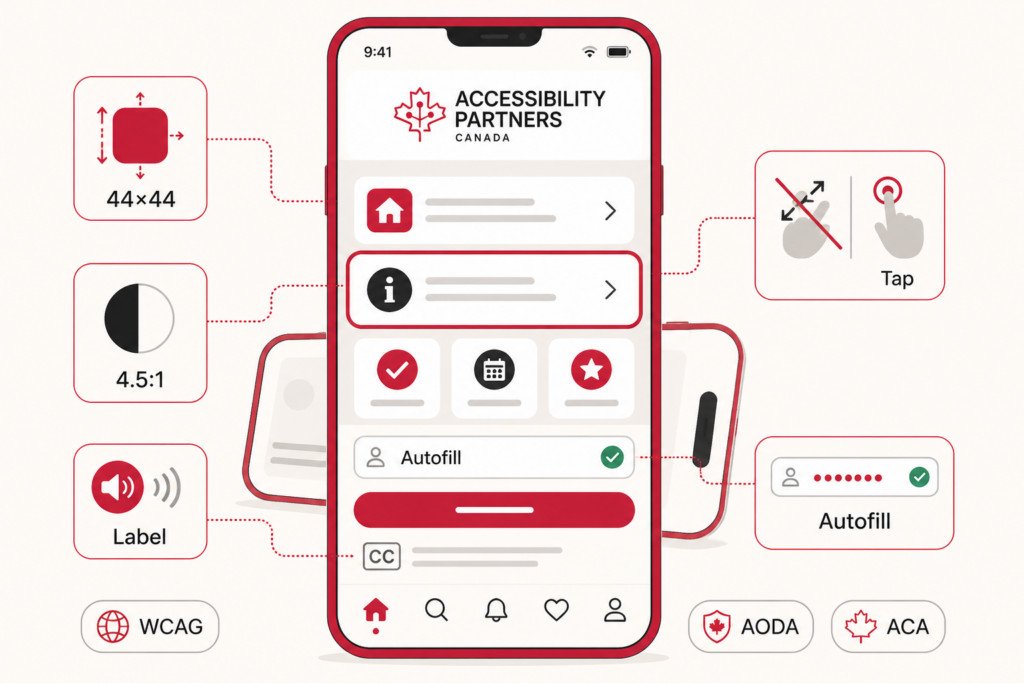
- Design for Mobile First: Mobile-responsive design benefits all users, especially those relying on touch navigation.
- Provide Skip Links and Landmarks: Allow screen reader users to jump directly to content.
- Use Semantic HTML: Structure content properly for assistive tech and SEO.
Final Thoughts
Web accessibility goes beyond just meeting compliance—it’s about building a digital world that works for everyone. As you review your websites in 2025, don’t just check for the obvious issues. Dig deeper. These lesser-known accessibility issues may be the difference between a frustrating experience and a fully inclusive one.
Ready to uncover hidden accessibility issues on your website? Contact Accessibility Partners for an expert accessibility audit and practical support to make your site truly inclusive.
Ready to improve your building’s accessibility? Contact Us for expert guidance and support!