The Web Content Accessibility Guidelines (WCAG) are the cornerstone of digital accessibility. Created by the World Wide Web Consortium (W3C), WCAG offers a globally recognized framework for designing and developing digital content that is usable by people with disabilities. This includes users with visual, hearing, cognitive, and motor impairments who rely on assistive technologies like screen readers, voice commands, or keyboard navigation.
At its core, WCAG helps organizations build inclusive digital experiences—removing the barriers that prevent equal access to websites, apps, PDFs, and online platforms. Whether you’re a small business, a government agency, or a global enterprise, following WCAG not only promotes equity but also protects you legally, improves user satisfaction, and strengthens your digital reputation.
Why Web Accessibility Matters
Digital accessibility is about equal opportunity. The internet is a public space—and it must be inclusive of everyone. Here’s why accessibility is essential in 2025 and beyond:
- Equal Access for All: Millions of Canadians and global users live with a disability. They rely on tools like screen readers, magnifiers, voice navigation, and captions to interact with content. Without accessibility, they are excluded from critical information, services, and opportunities.
- Legal Protection: WCAG compliance helps you meet legal requirements such as the ADA in the U.S., the AODA in Ontario, and the Accessible Canada Act (ACA). Ignoring these standards can lead to lawsuits, penalties, or reputational damage.
- Better User Experience (UX): Accessibility features like readable fonts, simple navigation, and meaningful error messages make your site easier for everyone—not just people with disabilities.
- Business and SEO Benefits: Accessible sites load faster, are easier to navigate, and rank better on search engines. This drives broader audience engagement, brand loyalty, and conversions.
What Are WCAG Standards?
WCAG is a set of technical guidelines created by the W3C to make web content more accessible. These guidelines are technology-neutral, meaning they apply across all platforms, whether you’re building a website, mobile app, or interactive kiosk.
Since its introduction in 1999, WCAG has evolved through three major versions:
- WCAG 2.0 (2008): Recognized by ISO 40500; focused on foundational guidance.
- WCAG 2.1 (2018): Introduced updates for mobile devices and cognitive disabilities.
- WCAG 2.2 (2023): Added nine new success criteria around focus indicators, target sizes, authentication alternatives, and more.
WCAG 2.2 is the current best practice and is backward compatible, meaning if you meet 2.2, you also meet 2.0 and 2.1.
What Are the WCAG Requirements?
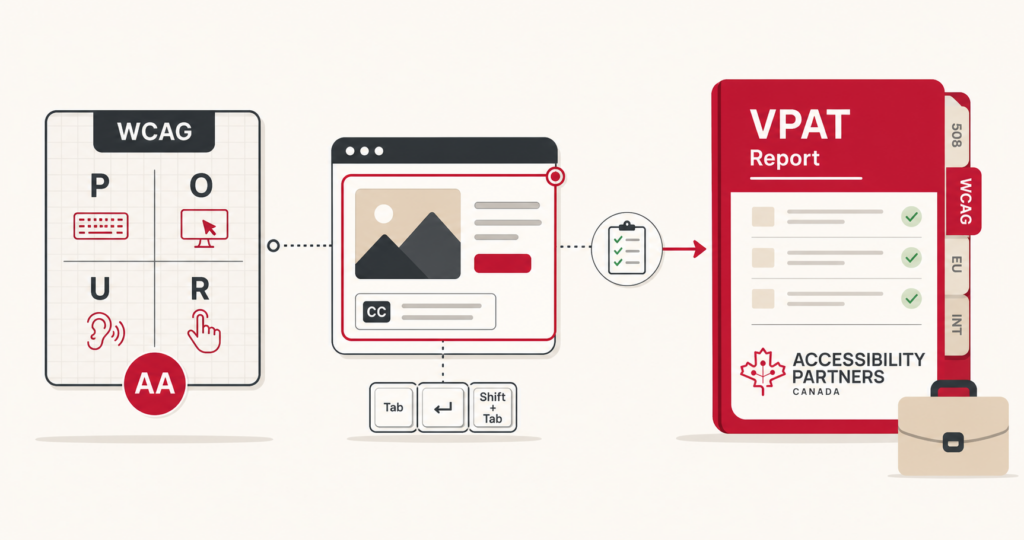
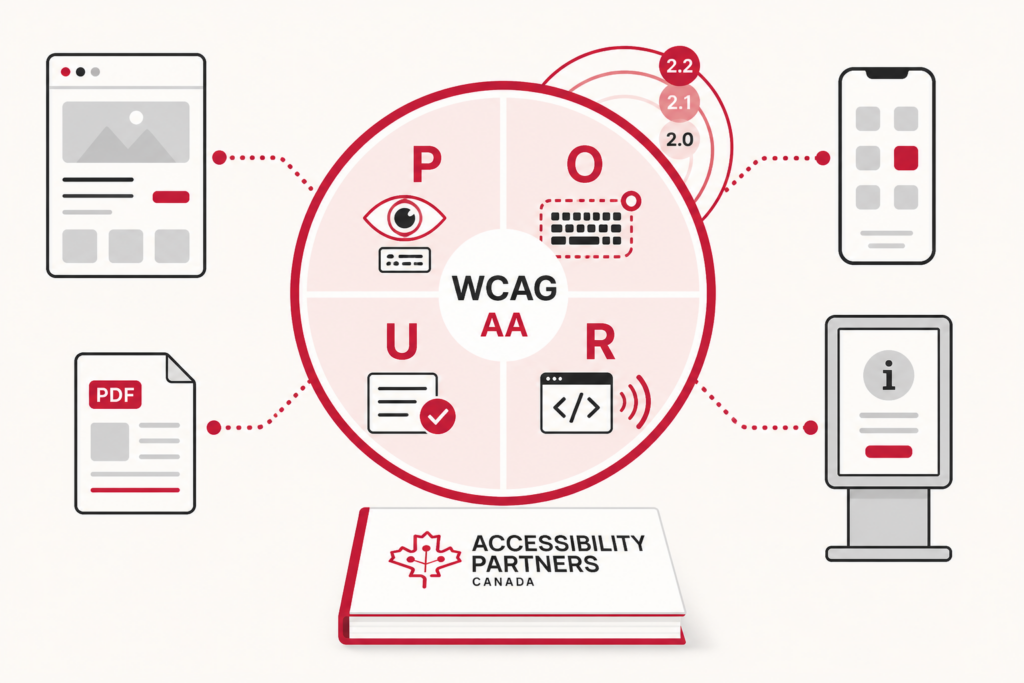
WCAG is structured around four principles, known as the POUR framework:
| Principle | Meaning | Key Focus Areas |
|---|---|---|
| Perceivable | Information can be recognized | Text alternatives, captions, adaptable layouts |
| Operable | Content can be used by all | Keyboard navigation, clear focus, adjustable time settings |
| Understandable | Content is predictable and readable | Simple language, consistent navigation, error suggestions |
| Robust | Compatible with all tools | Works with current and future assistive tech (e.g., screen readers) |
Each of these principles includes testable success criteria organized into three conformance levels:
- Level A: Basic requirements
- Level AA: Mid-level conformance (legal benchmark in many countries)
- Level AAA: Enhanced accessibility (not always feasible for all content)
Which Version of WCAG Should You Use?
We recommend adopting WCAG 2.2, the latest version as of October 2023. It includes improvements to support:
- Better keyboard navigation
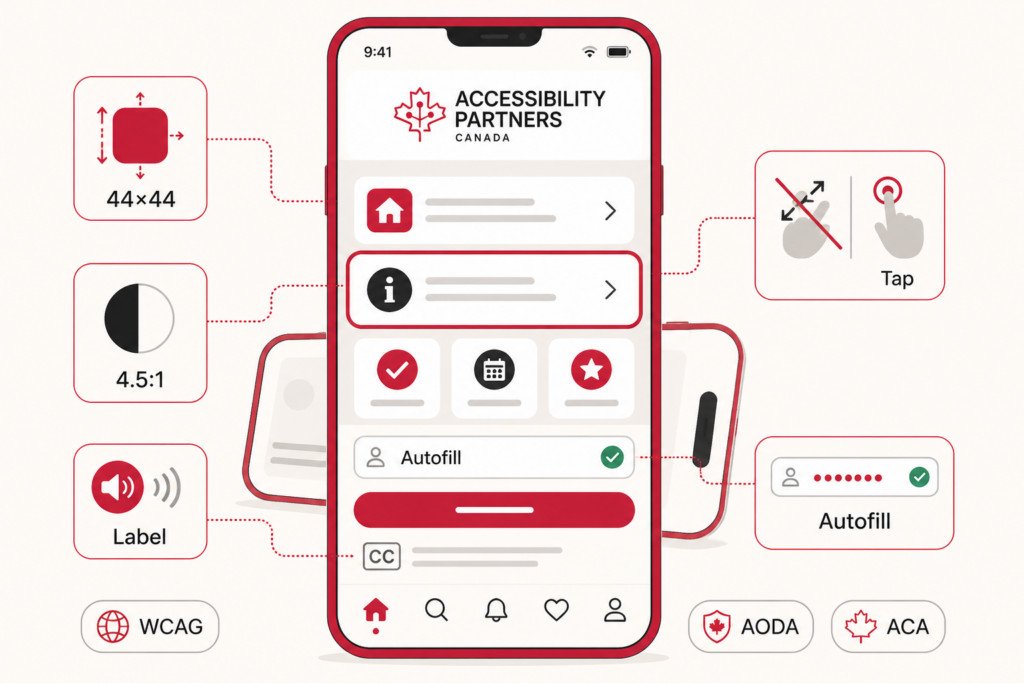
- Larger touch targets for mobile users
- Alternative ways to log in without drag-and-drop or puzzles
- More consistent help options and form accessibility
Using WCAG 2.2 ensures future readiness and full backward compatibility with WCAG 2.1 and 2.0. Most laws and regulations now align with Level AA conformance, making it the safest target for compliance and usability.
WCAG and Legal Compliance
WCAG is not a law—but it guides many laws around the world. If your site isn’t WCAG-compliant, you may still be legally liable under local, national, or international accessibility legislation:
- United States: The ADA references WCAG under Title II (government) and Title III (public accommodations). Section 508 directly incorporates WCAG 2.0 AA.
- Canada:
- AODA: Ontario requires public and private organizations to meet WCAG 2.0 AA.
- Accessible Canada Act: Regulations under the Act require the federal public sector and federally regulated businesses with 100 or more employees to meet CAN/ASC-EN 301 549, which incorporates WCAG Level AA.
- Europe: The Web Accessibility Directive (2016/2102) requires public sector websites and mobile apps to be accessible, measured against EN 301 549. For websites, EN 301 549 incorporates WCAG Level AA.
Bottom line: WCAG is the global benchmark for digital accessibility compliance.
Conclusion
Accessibility is no longer optional—it’s a design imperative. By embracing the Web Content Accessibility Guidelines, you build a digital presence that is inclusive, legally compliant, and future-ready. Whether you’re remediating an existing site or designing from scratch, WCAG gives you the tools to succeed.
Let’s make the web a place for everyone.
Ready to meet WCAG compliance with confidence?
Contact Accessibility Partners for expert accessibility audits, remediation, and compliance support tailored to your organization.